How do you enter a new purchase?
Just like your sales, you can easily register purchases via ‘Purchases > New purchase’. The screen is similar to that of sales, with a few additional fields for VAT administration. No worries: we explain everything!
Step 1: what type of purchase did you make?
For each purchase, you must indicate what type it is. This determines how the tax authorities (and therefore PIA Go!) will treat it. You have four options:
1Goods for resale, raw materials and consumables
These are the products you buy to resell or process into your final product. Think of a clothing store purchasing t-shirts, or a carpenter buying wood. Note: this only applies to tangible goods. Services always fall under category 4.
Investments
Do you purchase something that lasts longer than one year, such as a computer, machine or furniture? Then it is considered an investment. PIA Go! will ask you how long you expect to use the item (the depreciation period). The tax authorities use the following guidelines:
Office buildings: 33 years
Industrial buildings: 20 years
Furniture and machinery: 10 years
Vehicles: 5 years
Small equipment: 3 years
You can deviate from this if you have a logical justification for a different period.
1Other goods
These are products that support your business activities but last less than a year, such as office supplies, pens and paper.
Services
These are all intangible purchases such as electricity, phone subscriptions, insurance and consultancy.
Step 2: private or business use? Where to draw the line
As a self-employed person, you may use some purchases both professionally and privately. Think of your smartphone, internet or heating if you work from home. In that case, you may only deduct the business portion as a business expense. But how do you determine that percentage?
There are no official rules for determining the percentage of business use, but you must be able to justify it in case of an audit. Consistency is important: use the same percentages for similar costs.
| Practical example for home workers |
|---|
| Do you work from home? For costs such as heating and electricity, this is a useful formula:
Workspace in m² ÷ total home in m²
× 100% = business percentage
Do you use 25 m² of a 200 m² home as an office? Then your business percentage is 12.5% (25 ÷ 200 × 100%). |
| Note!
Are you renting? Check your rental agreement before declaring rent as a business expense. Some contracts prohibit this. You can still deduct other costs such as heating and electricity. |
Step 3: which costs are deductible?
In principle, you may deduct 100% of the business portion of your purchases, but there are exceptions. Especially for cars, restaurant expenses and business gifts, special rules apply, meaning you cannot deduct the full amount.
Do you not feel like memorising all these tax rules? You don’t have to. In PIA Go!, subcategories are built in and linked to the correct deduction percentages. During onboarding, your dedicated PIA Go! accountant will go through these categories with you and tailor them to your specific activity. This ensures everything is correctly set up from the start. Afterwards, you simply select the right category—and the system does the rest.
Step 4: the importance of supporting documents
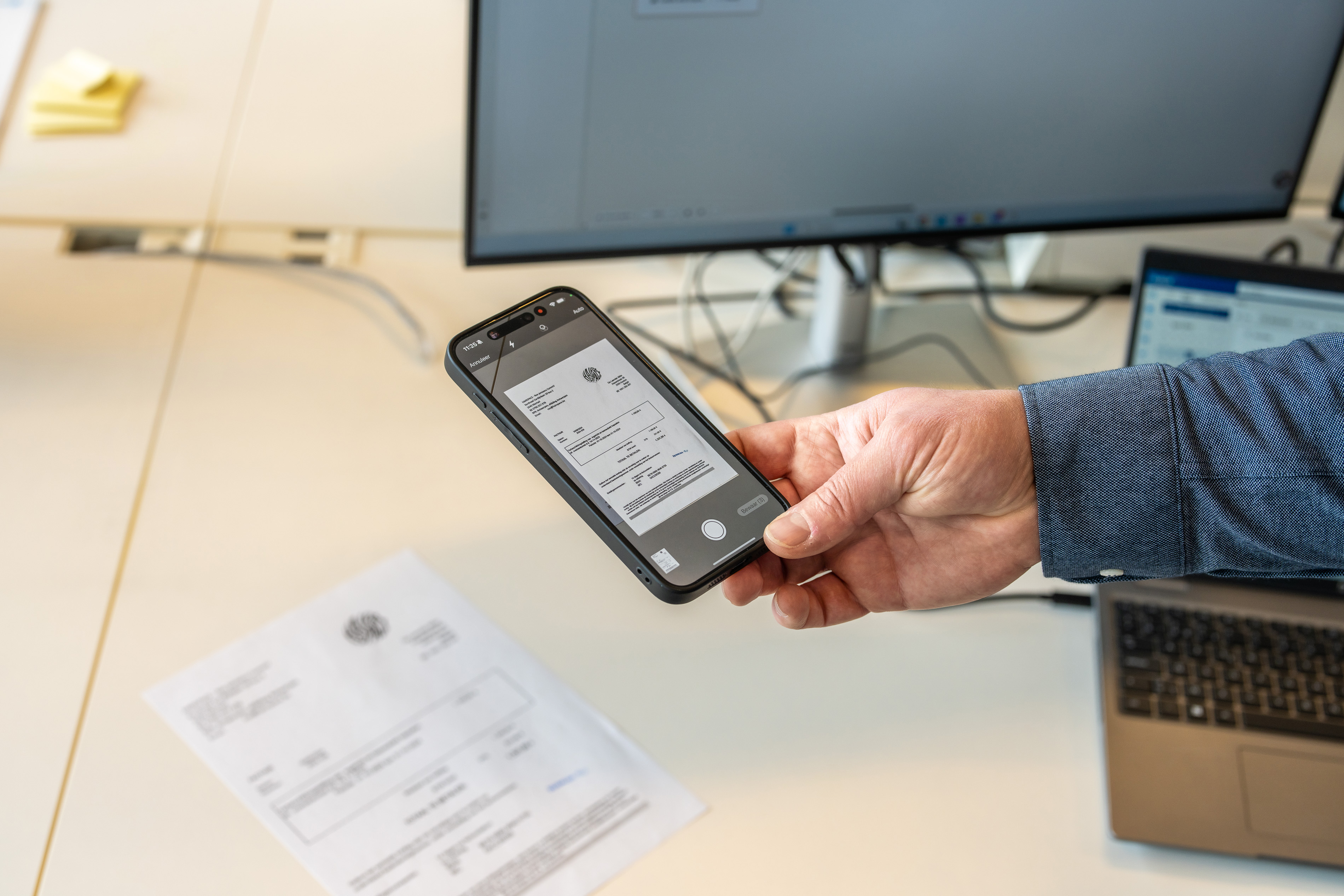
Every expense you declare must be supported by a document that you keep for 10 years. In PIA Go!, you can attach these documents directly to your entry. No more shoeboxes full of receipts!
For VAT deduction, you always need an invoice. For tax deduction, another supporting document (such as a receipt or bank statement) is sufficient. That is why PIA Go! always asks whether you have a valid invoice. If not, the VAT is automatically not deducted.
Finally, for each purchase, you enter information about the supplier. PIA Go! remembers these details, so you do not have to enter them again in the future.
Want to know more about purchases from foreign suppliers?
PIA Go! Recording purchases without worries
With PIA Go!, you keep your purchase administration simple and accurate. The platform applies the correct percentages per cost category and ensures that you maximise your tax benefits without having to know all the rules yourself. Plus: our accountants keep an eye on everything in the background. And if you still have questions, they are ready to help you with tailored advice.
Ready to get started with PIA Go!?
Schedule an appointment today and discover how simple accounting can be.